- No broken rate history
- No one-by-one invoicing
- Auto exchange rates
Same Billing Power. Half the Complexity.
Harvest is built for teams. If you're a solo freelancer, you're paying for features you don't need. Chronum gives you the same billing capabilities without the team management overhead.
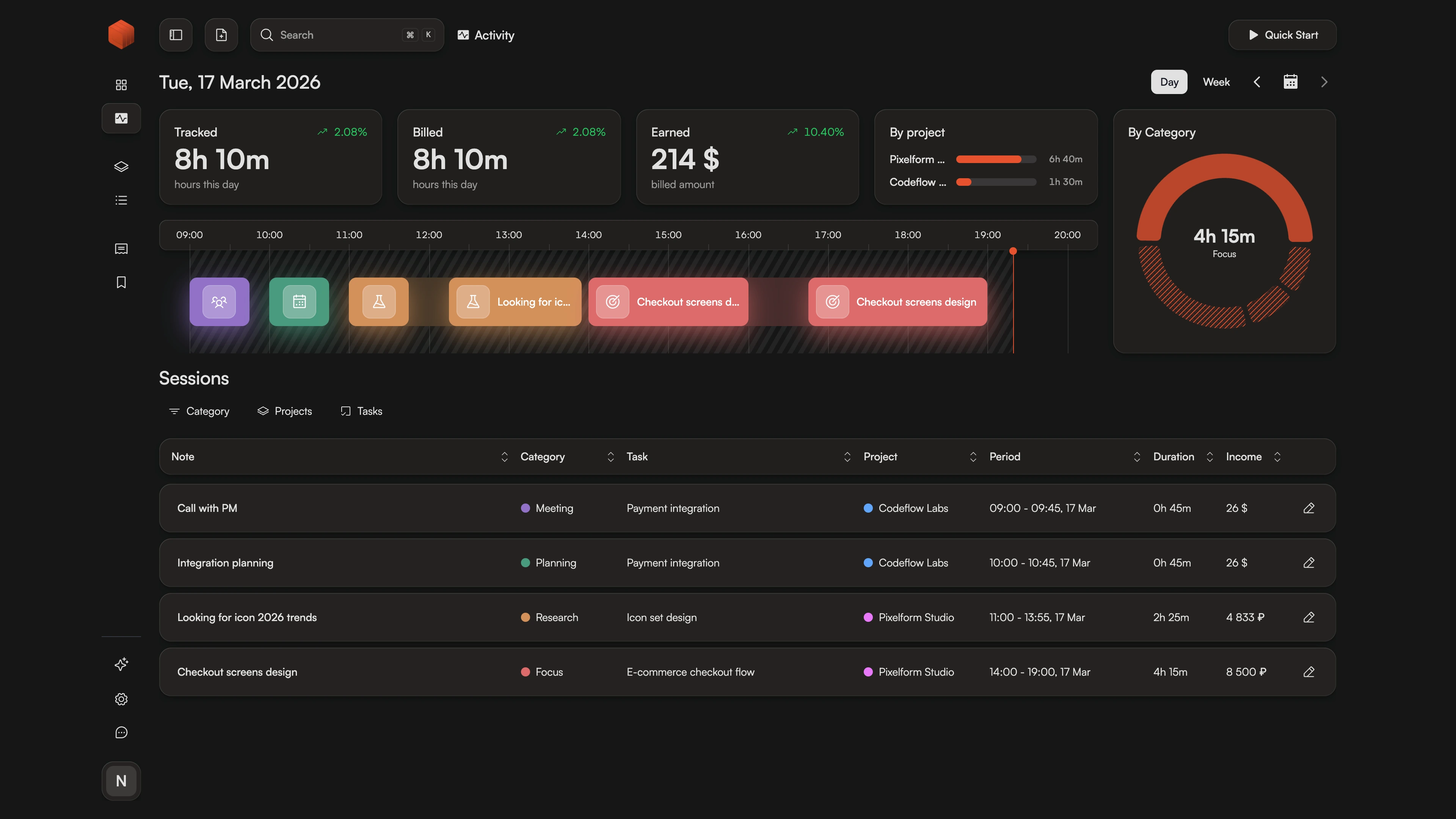
How It Works
- 1.
Track
Start a timer with a single keystroke. No team workspaces, no project assignments — just you and your timer.
- 2.
Organize
Your projects, your rates, your currencies. No team hierarchies to configure.
- 3.
Bill
Generate professional invoices with your tracked hours. Multi-currency and batch billing included.
Why Solo Freelancers Leave Harvest
Team software for a team of one?
Harvest is excellent — if you have a team. But solo freelancers often find themselves navigating features designed for managers: team timesheets, capacity planning, project assignments. At $11+ per seat, you're paying for collaboration features you'll never use.
Chronum strips away the team complexity. You get the same billing power — professional invoices, multi-currency support, historical rates — in an interface designed for people who work alone. No team hierarchy to configure. No seats to manage. Just tracking and billing.
What Sets Chronum Apart
| Feature | Chronum | Harvest |
|---|---|---|
| Rate history | Yes | No |
| Batch invoicing | Yes | No |
| Auto exchange rates | Yes | No |
| Visual timeline | Yes | No |
Bill Clients Worldwide
Like Harvest, Chronum supports multi-currency billing. Unlike Harvest, you don't need to navigate team settings to use it. Set a currency per project and see automatic exchange conversions in your dashboard.
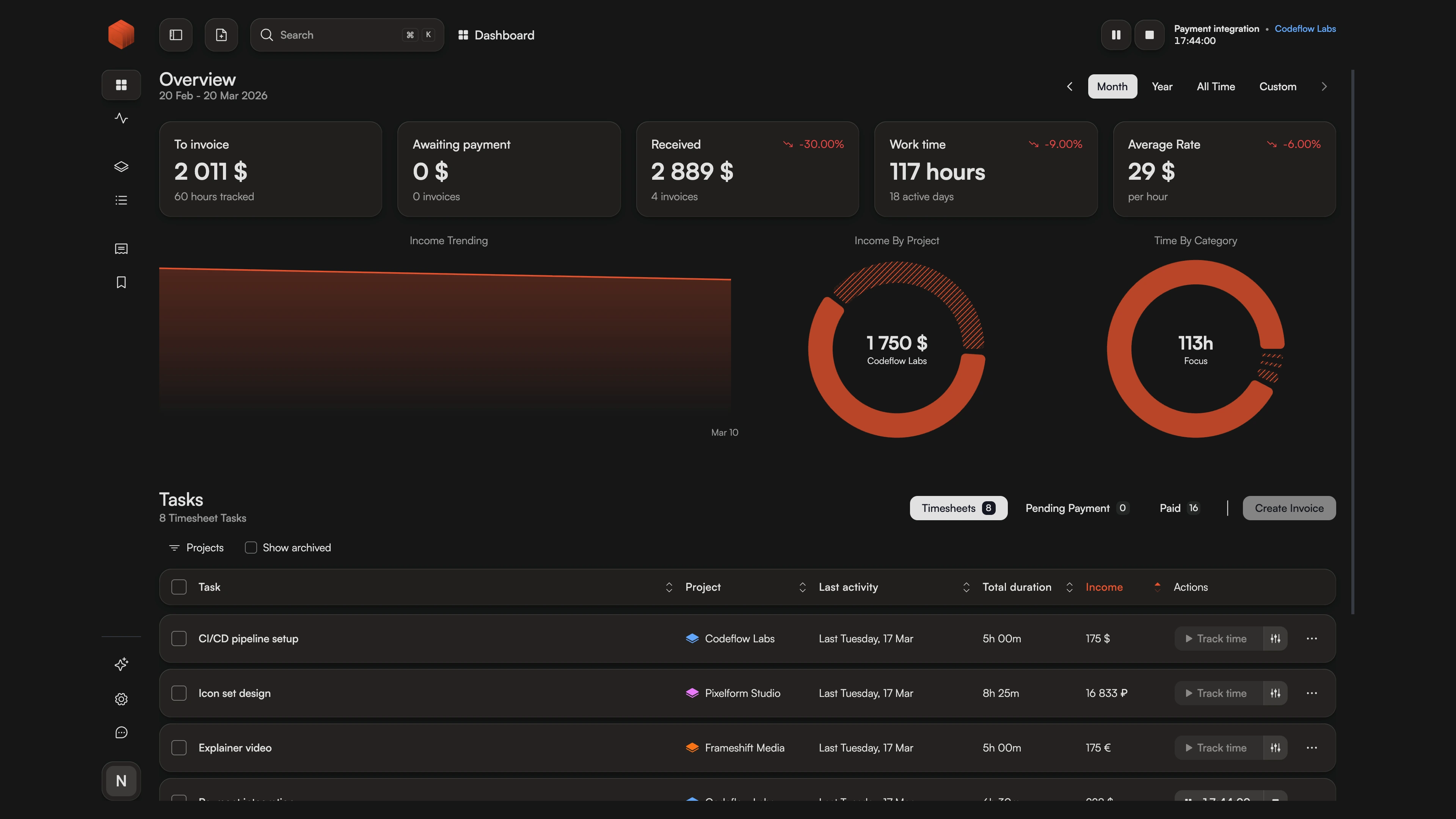
Harvest Lacks Historical Rates
Change your rate in Harvest and past reports change too. Chronum preserves historical rates: old sessions keep their original rates, new sessions use the updated one. No retroactive billing surprises.
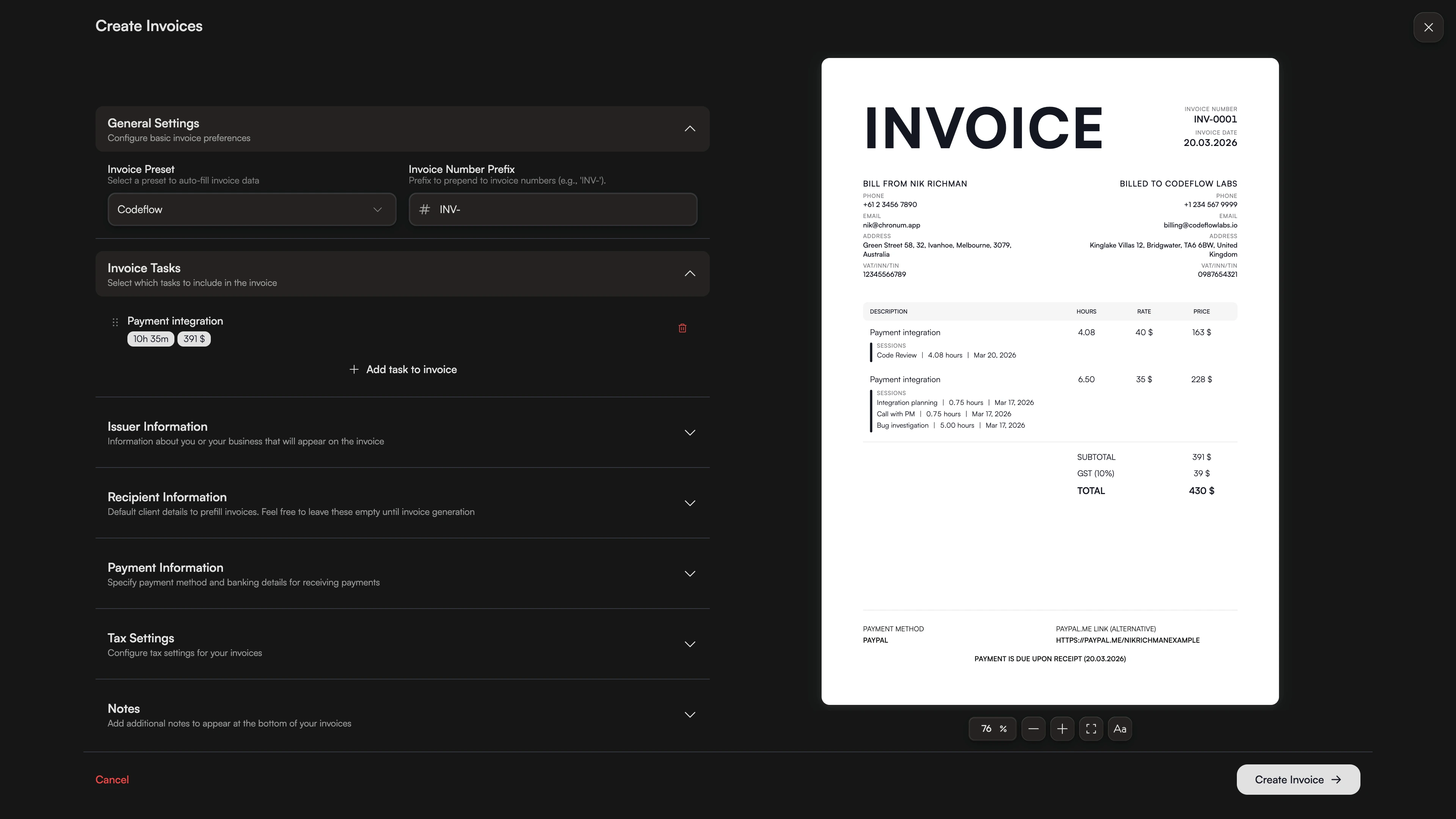
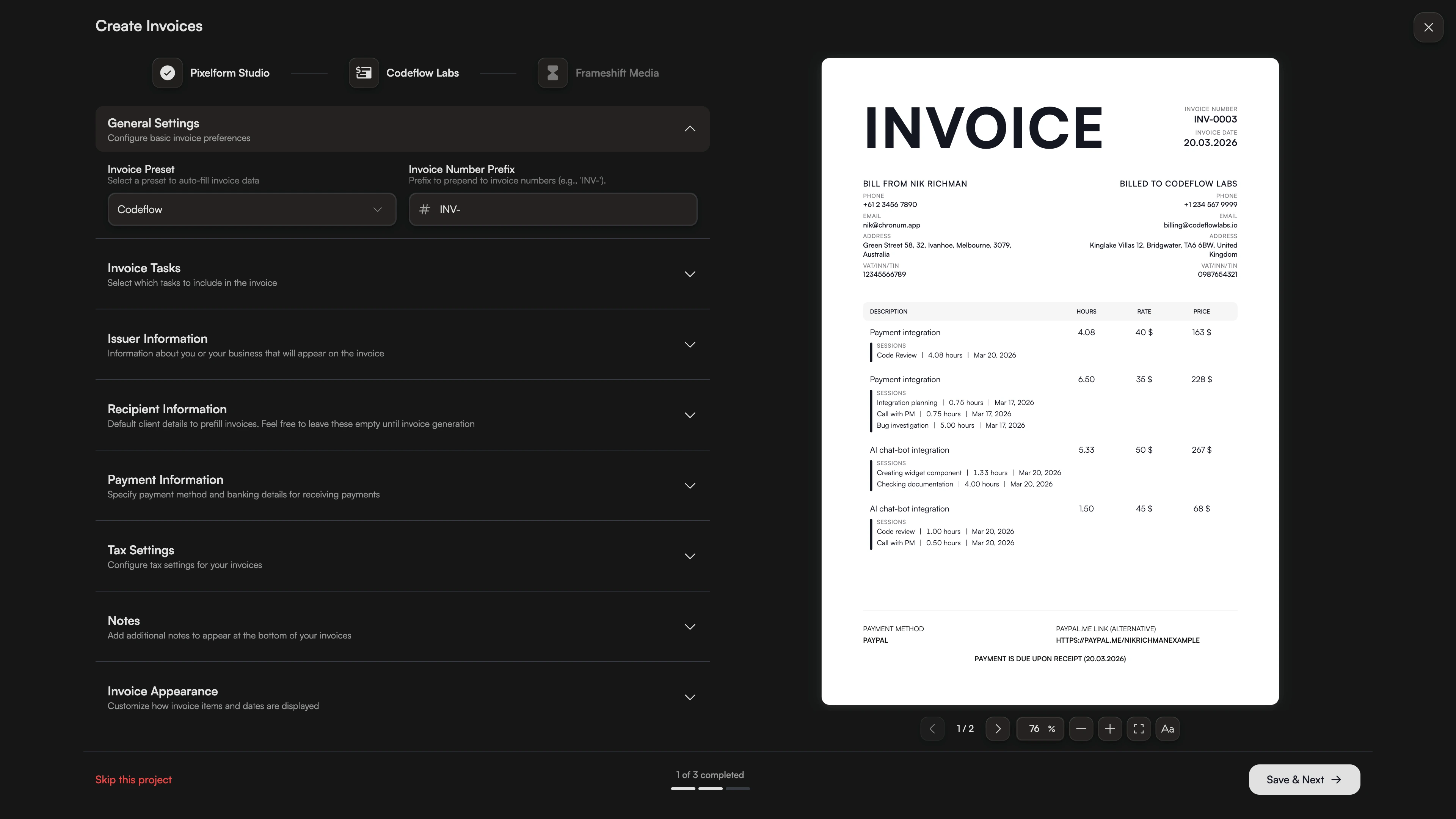
Monthly Billing in One Click
Harvest requires creating invoices one project at a time. Chronum's batch invoicing lets you select multiple projects and generate all invoices at once. End-of-month billing goes from 30 minutes to 30 seconds.
Full Feature Comparison
| Feature | Chronum | Harvest |
|---|---|---|
| Pricing | Free (beta) | Free* / $11+ |
| Multi-currency | Yes | Yes |
| Rate history | Yes | No |
| PDF invoicing | Yes | Yes |
| Batch invoicing | Yes | No |
| Auto exchange rates | Yes | No |
| Task-level rates | Yes | Yes |
| Visual timeline | Yes | No |
| Desktop app | Mac/Win/Linux | Mac/Win |
| Mobile app | Soon | Yes |
| Integrations | Soon | Yes |
| Team features | No | Yes |
Frequently Asked Questions
Ready for solo-focused billing?
Same billing power as Harvest — without the team complexity.
Compare all features in our comparison hub or compare with Toggl, Bonsai