- No server setup
- No database maintenance
- No security patches
Open-Source Power. Zero Setup.
Kimai is powerful and free — if you can host it yourself. Server setup, database maintenance, backups, updates. Chronum gives you similar billing features in a native app you download and run. No DevOps required.
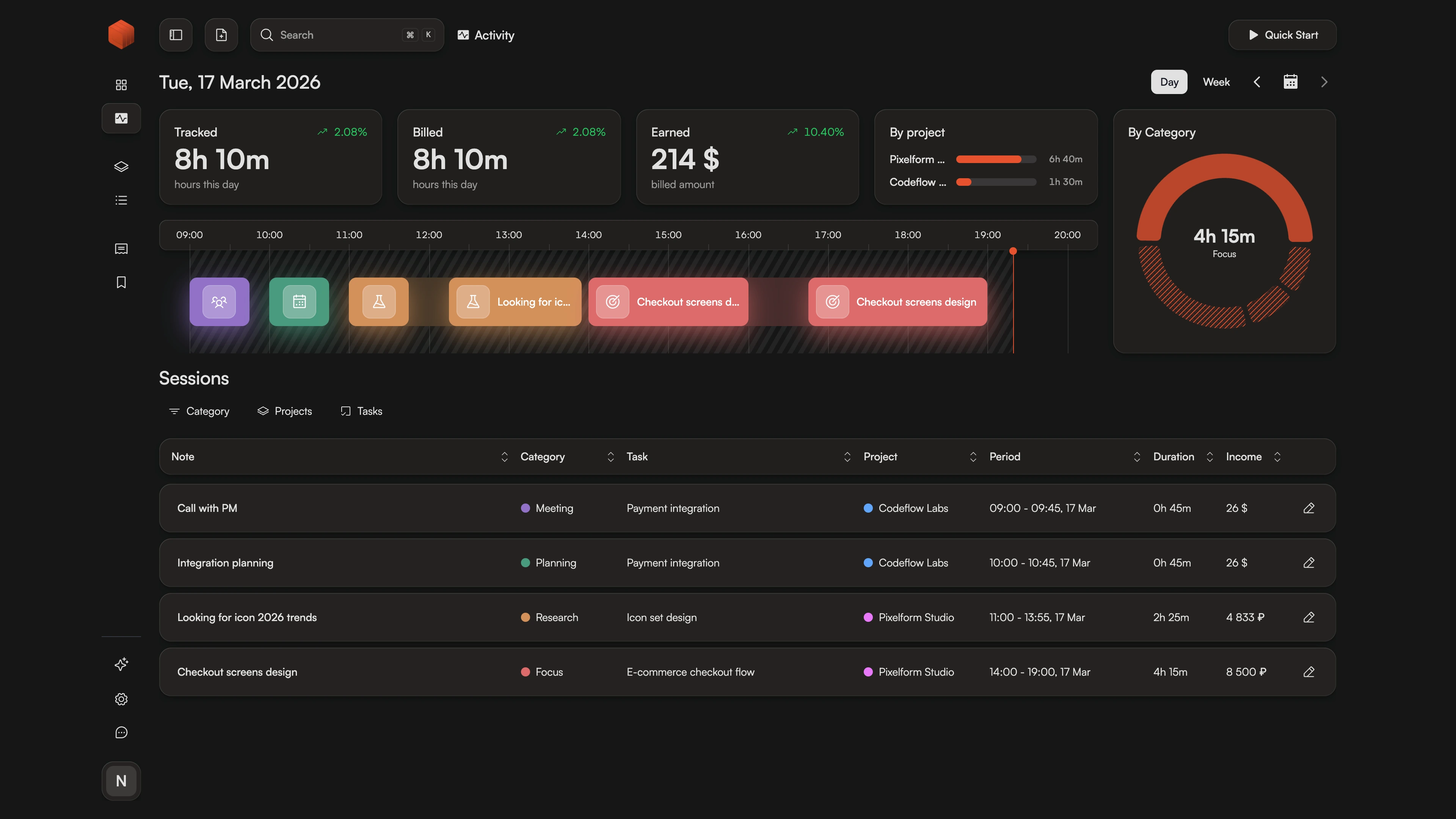
How It Works
- 1.
Download
Get the native app for Mac, Windows, or Linux. No server to configure, no database to set up, no Docker containers to manage.
- 2.
Track
Start tracking immediately. Projects, tasks, and rates — configured in minutes, not hours.
- 3.
Bill
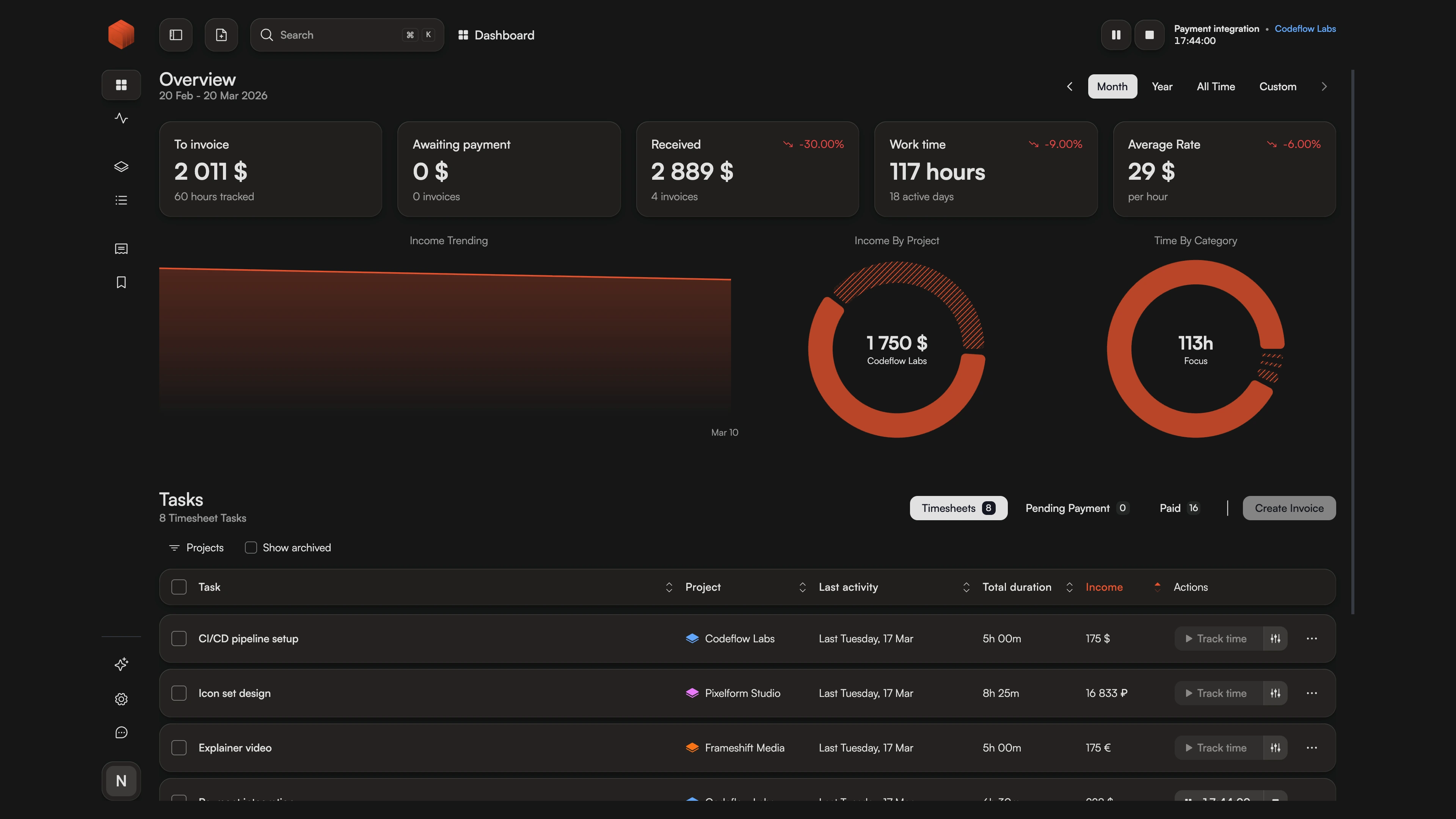
Generate professional invoices with multi-currency support. Export or send directly to clients.
Why Freelancers Consider Kimai Alternatives
Self-hosting isn't free — it costs time.
Kimai is an excellent open-source time tracker with strong billing features. But "free" comes with hidden costs: setting up a server, configuring a database, managing backups, applying security updates. For developers who enjoy that, great. For freelancers who want to track time and bill clients, it's overhead.
Chronum offers similar features — PDF invoices, multi-currency, batch invoicing, historical rates — without the infrastructure burden. Download the app, create an account, start tracking. Your server is our problem.
What Sets Chronum Apart
| Feature | Chronum | Kimai |
|---|---|---|
| Setup required | No | Server + DB |
| Auto exchange rates | Yes | No |
| Visual timeline | Yes | No |
| Native desktop app | Yes | 3rd party |
Global Billing Without Server Config
Kimai supports multi-currency, but you need to configure currency plugins and settings. Chronum includes it out of the box — set a currency per project, get automatic exchange conversions. No plugin installation required.
Historical Accuracy Without Database Queries
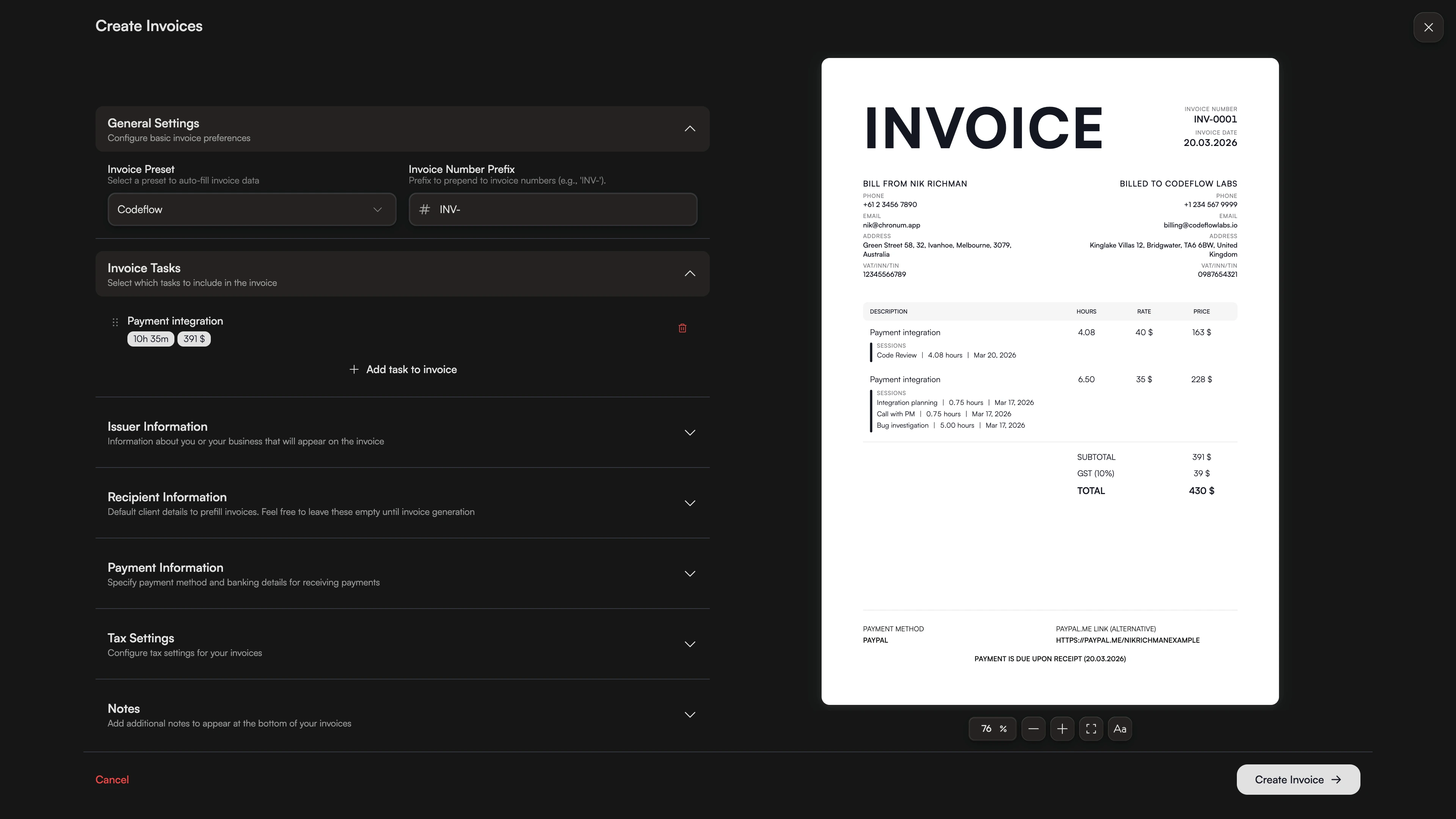
Both tools support rate history. In Kimai, you manage this through database records. In Chronum, it just works — change rates anytime, past sessions stay accurate. No SQL needed.
No Browser Tab Required
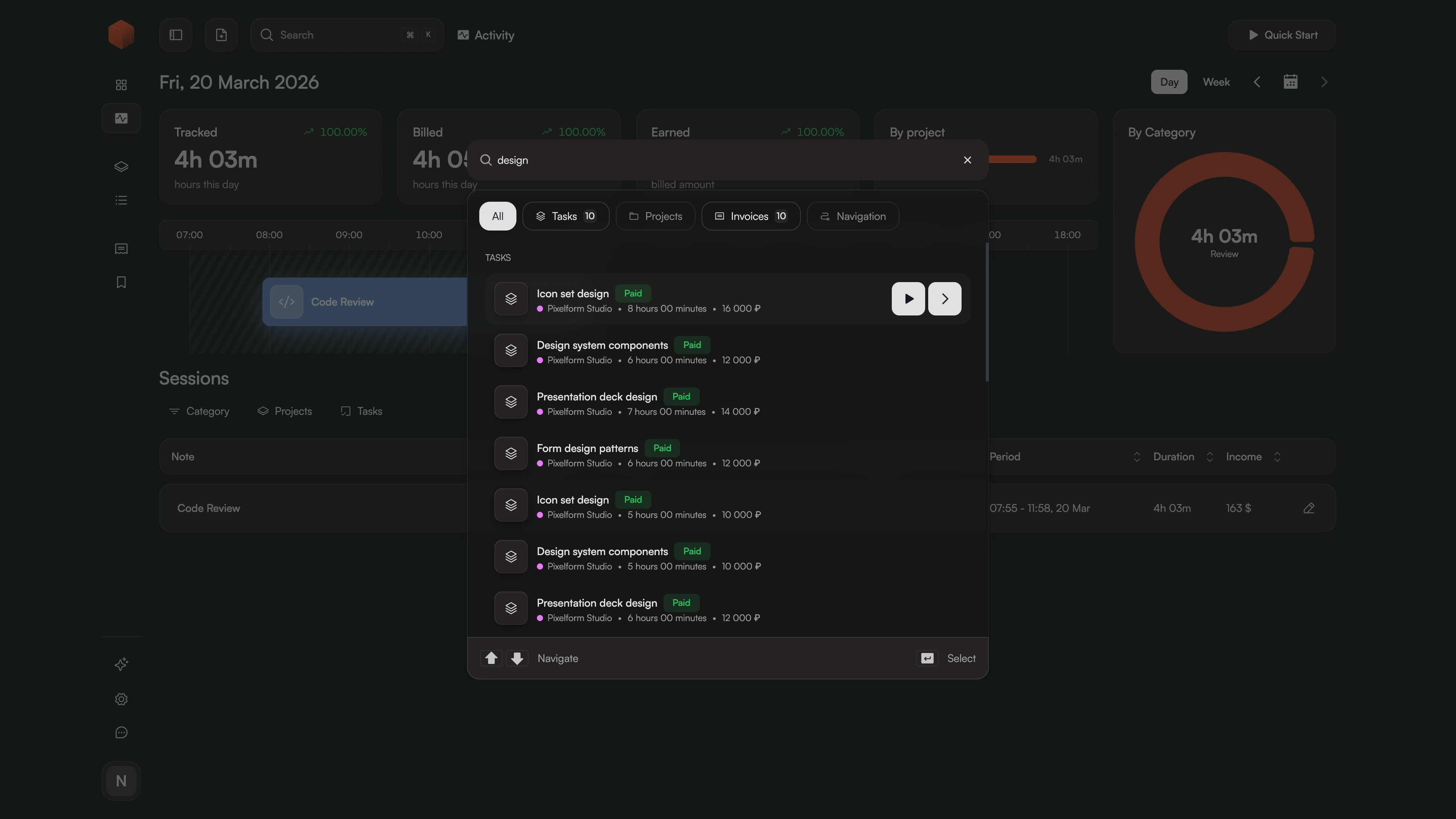
Kimai runs in your browser (or a third-party app). Chronum is a native desktop app — starts instantly, uses minimal resources, syncs in real-time. Keyboard shortcuts for everything.
Full Feature Comparison
| Feature | Chronum | Kimai |
|---|---|---|
| Pricing | Free (beta) | Free (self-host) |
| Setup required | No | Server + DB |
| Multi-currency | Yes | Yes |
| Rate history | Yes | Yes |
| PDF invoicing | Yes | Yes |
| Batch invoicing | Yes | Yes |
| Auto exchange rates | Yes | No |
| Task-level rates | Yes | Yes |
| Visual timeline | Yes | No |
| Native desktop app | Yes | 3rd party |
| Mobile app | Soon | PWA |
| Automatic updates | Yes | No |
| Team features | No | Yes |
Frequently Asked Questions
Ready to skip the DevOps?
Same billing features as Kimai — without the server, database, or maintenance.
Compare all features in our comparison hub or compare with Toggl, Clockify