- Never re-type your IBAN
- Right tax, every invoice
- Set and forget billing
Invoice Templates That Do the Work for You
Stop re-entering bank details and tax IDs for every new bill. Create reusable billing profiles for different clients, link them to your multi-currency projects, and generate perfect invoices in a single click.
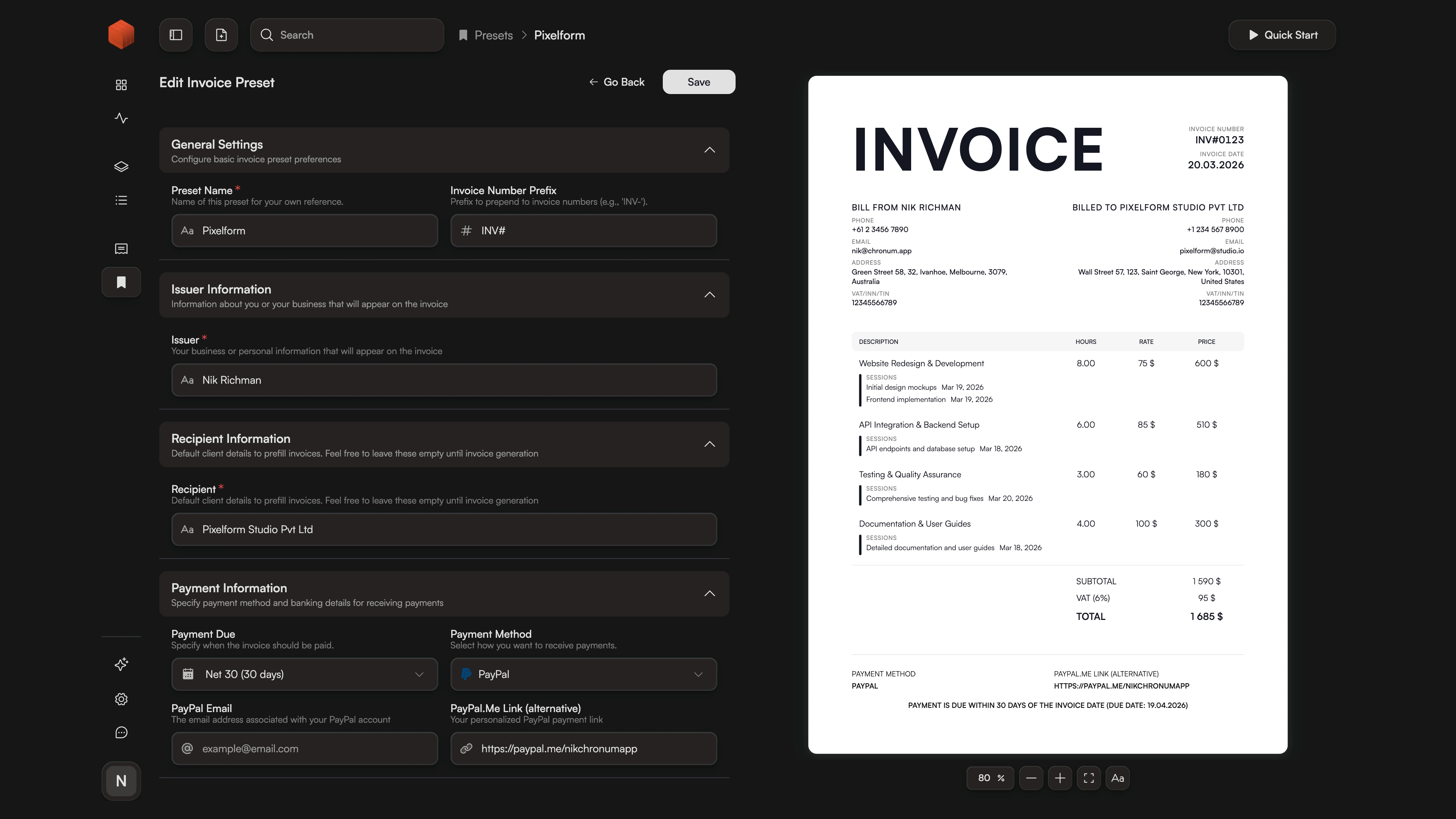
One Setup, Infinite Invoices: How Templates Eliminate Errors
When you manage multiple clients, "Billing Drift" is real. You use the wrong bank account for an international transfer, forget to apply a specific tax for a local client, or use an outdated address. These tiny errors don't just look unprofessional—they delay your payments.
Chronum's Smart Invoice Templates eliminate this friction. By decoupling your billing identity from the individual session, you can create a "Source of Truth" for every client. Set it once, link it to your tracked projects, and let Chronum handle the consistency. It's the difference between "doing the paperwork" and having a system that works for you.
Create Once, Bill Forever
Store your bank details, tax IDs, invoice appearance, and contact information in dedicated profiles. Switch between your "Freelance Entity" and "Personal Consulting" identities instantly without ever typing the same IBAN twice.
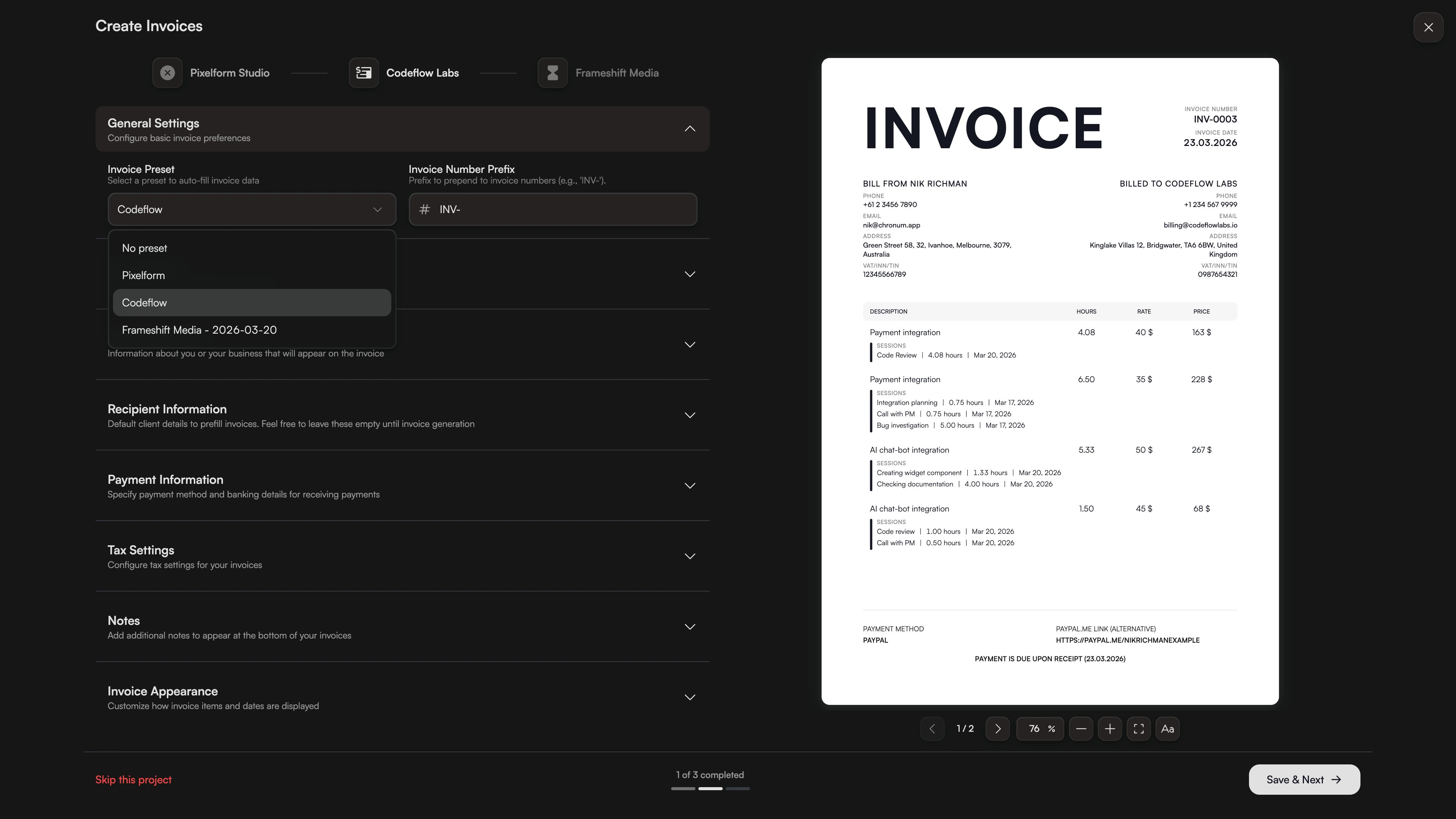
Precision Taxes for Every Region
Different clients require different tax treatments (VAT, GST, Sales Tax). Assign a specific tax percentage and custom footer notes to each template. When you generate an invoice, Chronum applies these rules automatically.
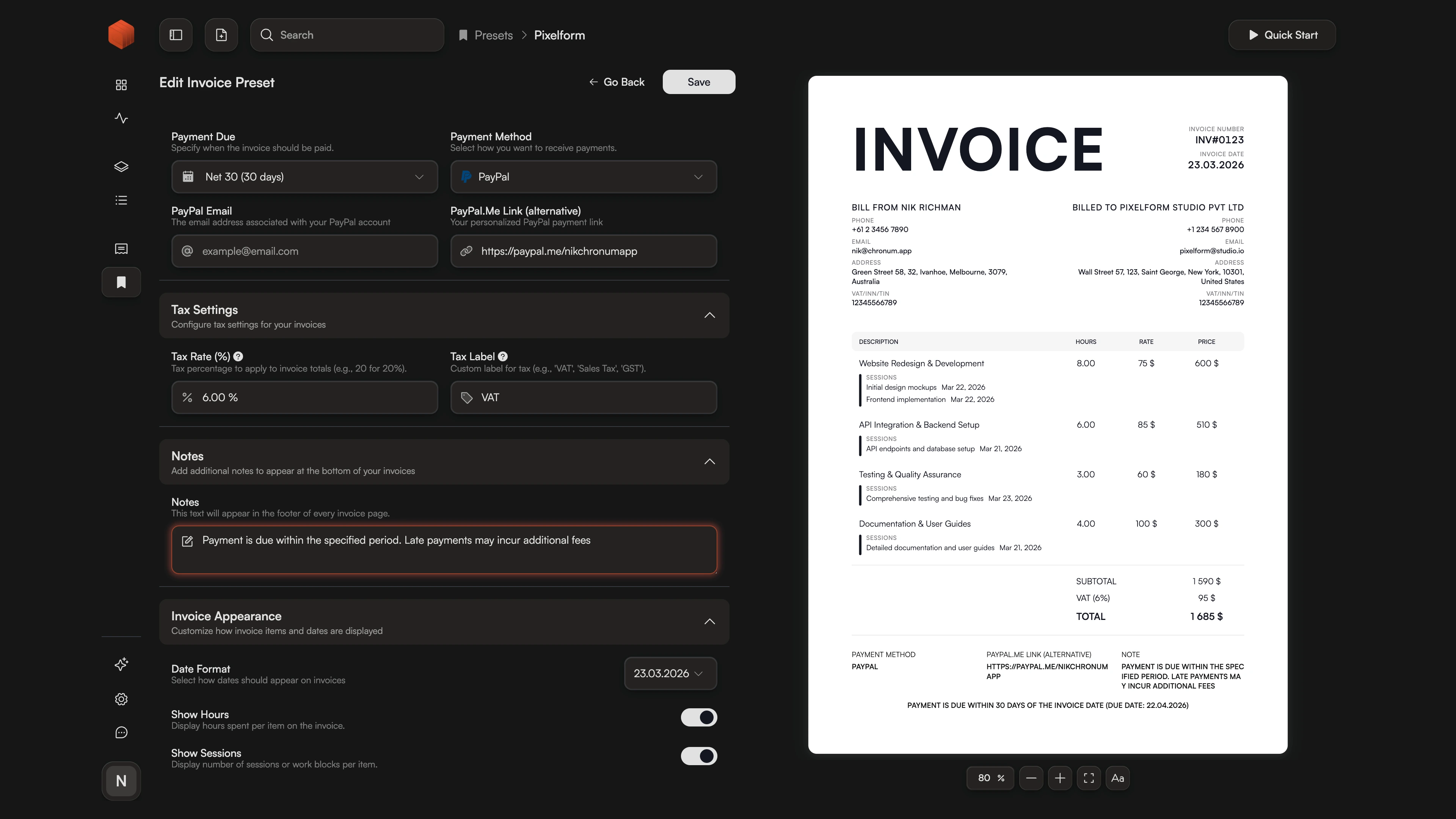
The "Set and Forget" Workflow
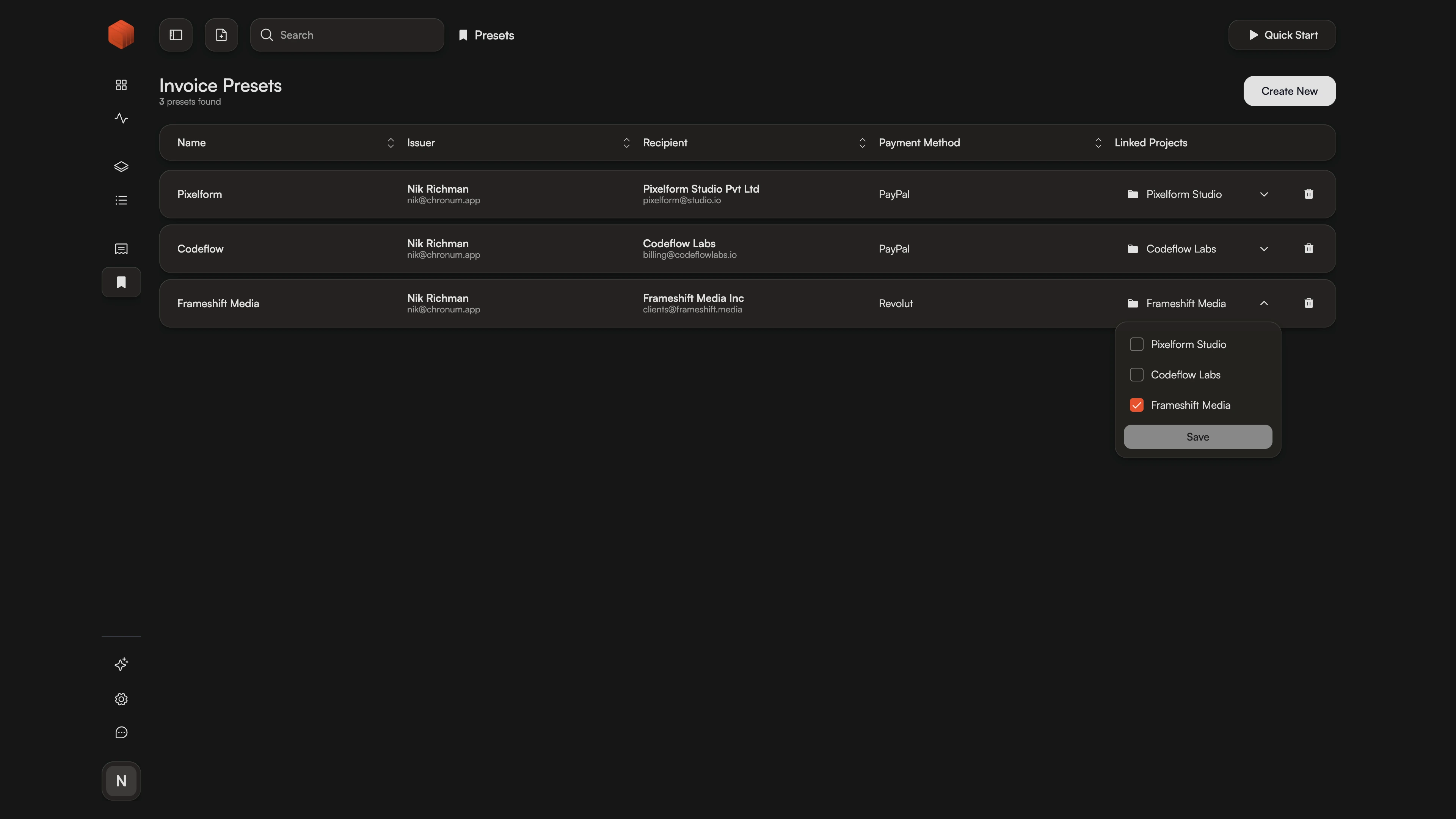
Link a template directly to a project. The next time you hit "Create Invoice" from your Dashboard, Chronum will already have the correct template selected. It's the foundation of our Batch Invoicing engine.
Frequently Asked Questions
Spend less time billing, more time building.
Professional, automated, and error-free.
Need a perfect preview? See how your templates look in real-time with our Live Invoice Preview